


QuickBooks Integration
Transfer Data from ASSIST to QuickBooks in Seconds!
Welcome to Seamless Accounting – The Power of ASSIST & QuickBooks Integration.
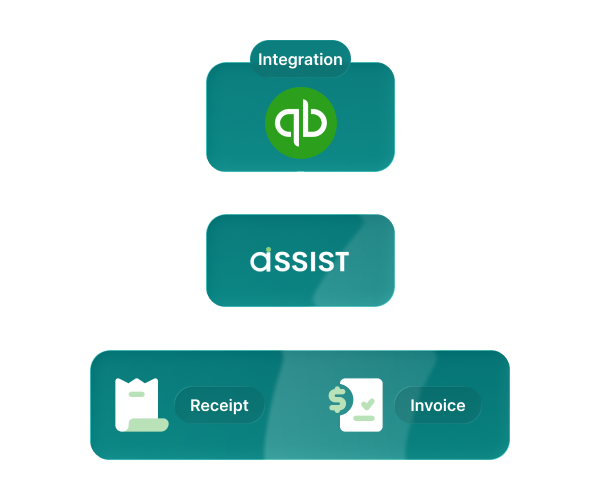
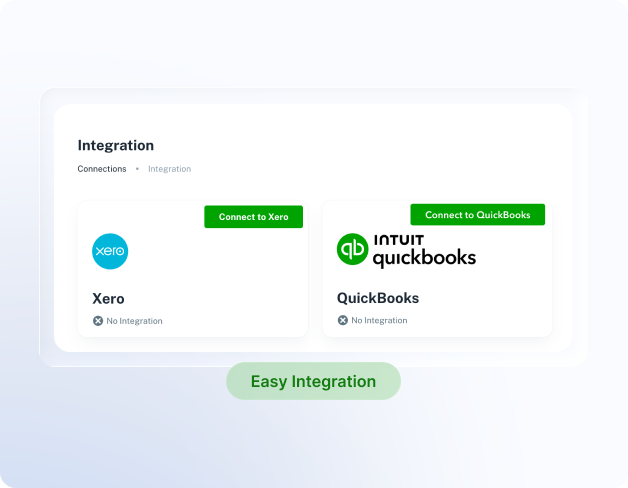
1. Integration
ASSIST seamlessly integrates with QuickBooks
- Go to the ‘Integration’ tab, which is on the left hand side of your company home page.
- Click on QuickBooks
- Log in as usual with your username and password
- You’re integrated!
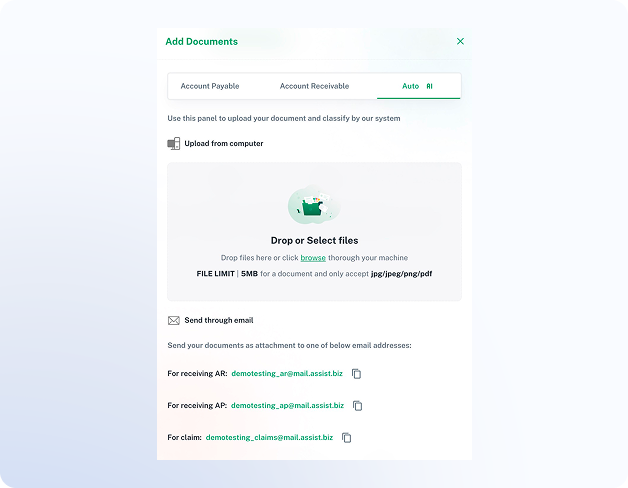
2. Add Document
Simply snap a photo, scan, upload, or email your financial documents (invoices or receipts) to ASSIST
You can submit either physical documents or soft copies with ease.
Supported file format: jpg, jpeg, png, pdf
- Click add document button
- Drop or Select Files
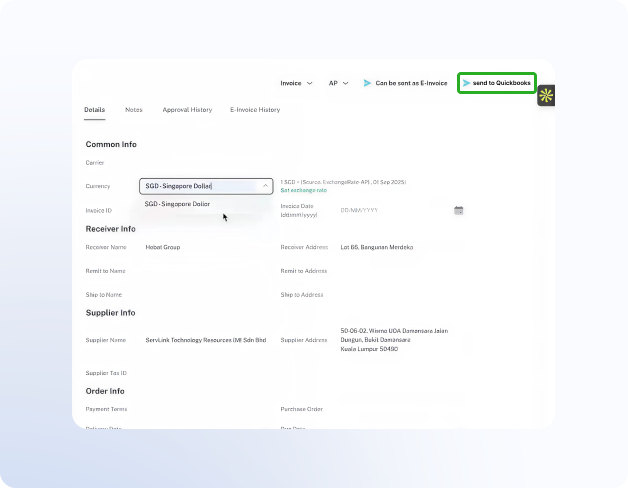
3. Send it to QuickBooks
Once connected, navigate to the data you wish to transfer
Select the data to be transferred, then review it once more to ensure accuracy.
- Simply select the files or records
- Hit the ‘send to QuickBooks’ button
Our QuickBooks Integration With ASSIST’s 30-page Free Plan Can Do for you:

Automatic Data Extraction
ASSIST automatically extracts and sends your data to QuickBooks

Distinguish Payables & Receivables
ASSIST smartly separates AP and AR, making financial management effortless.

Efficient Invoice & Receipt Management
Say goodbye to manual entry—ASSIST manages invoices and receipts
Try ASSIST for free
Transform your accounting process with QuickBooks and ASSIST!
Begin now with our FREE 30 PAGES PLAN which includes all premium features. That’s right, absolutely No Credit Card required